
Filipino Kisses is a Filipino dating app and website for people who want to meet sincere singles from the Philippines and start something real. The official FilipinoKisses app is on Google Play for Android. On an iPhone or a computer, you can join or sign in on the website.
With the app, you can keep up with messages and browse public profiles on the go. Sign-up and browsing are free.

The official FilipinoKisses dating app installs from Google Play on Android phones.
| Device | How to use Filipino Kisses |
|---|---|
| Android phone | Official app from Google Play |
| iPhone, iPad or computer | Join or sign in on the Filipino Kisses website in your browser |
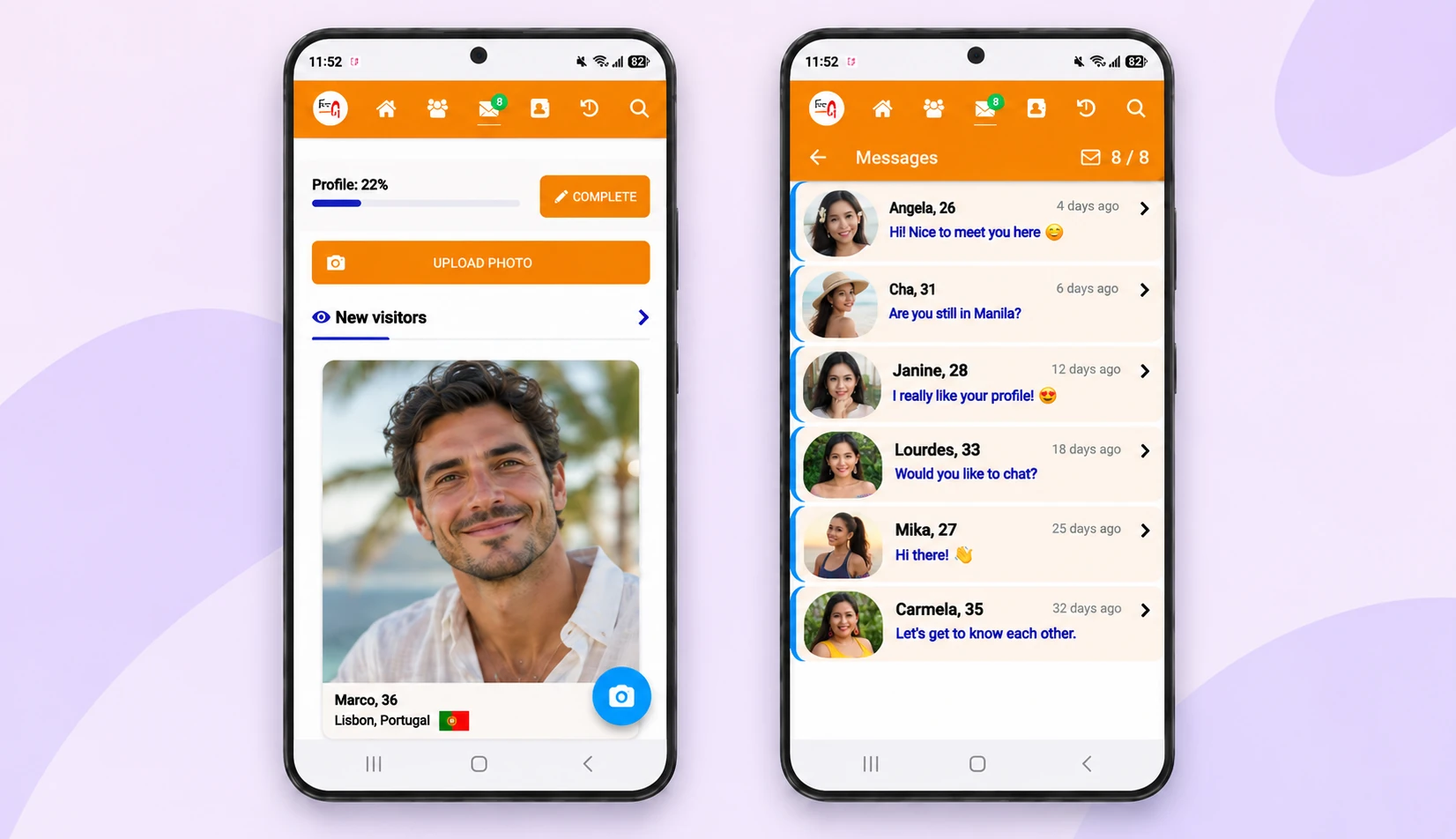
To install the app on Android:
As a Filipino dating app, Filipino Kisses lets you browse profiles, see who is online and chat in real time.
Our moderators check every profile and photo by hand before it goes live, and suspicious and fake accounts are banned. That helps, but no platform catches every scammer. Video call early, meet in person, and never send money.
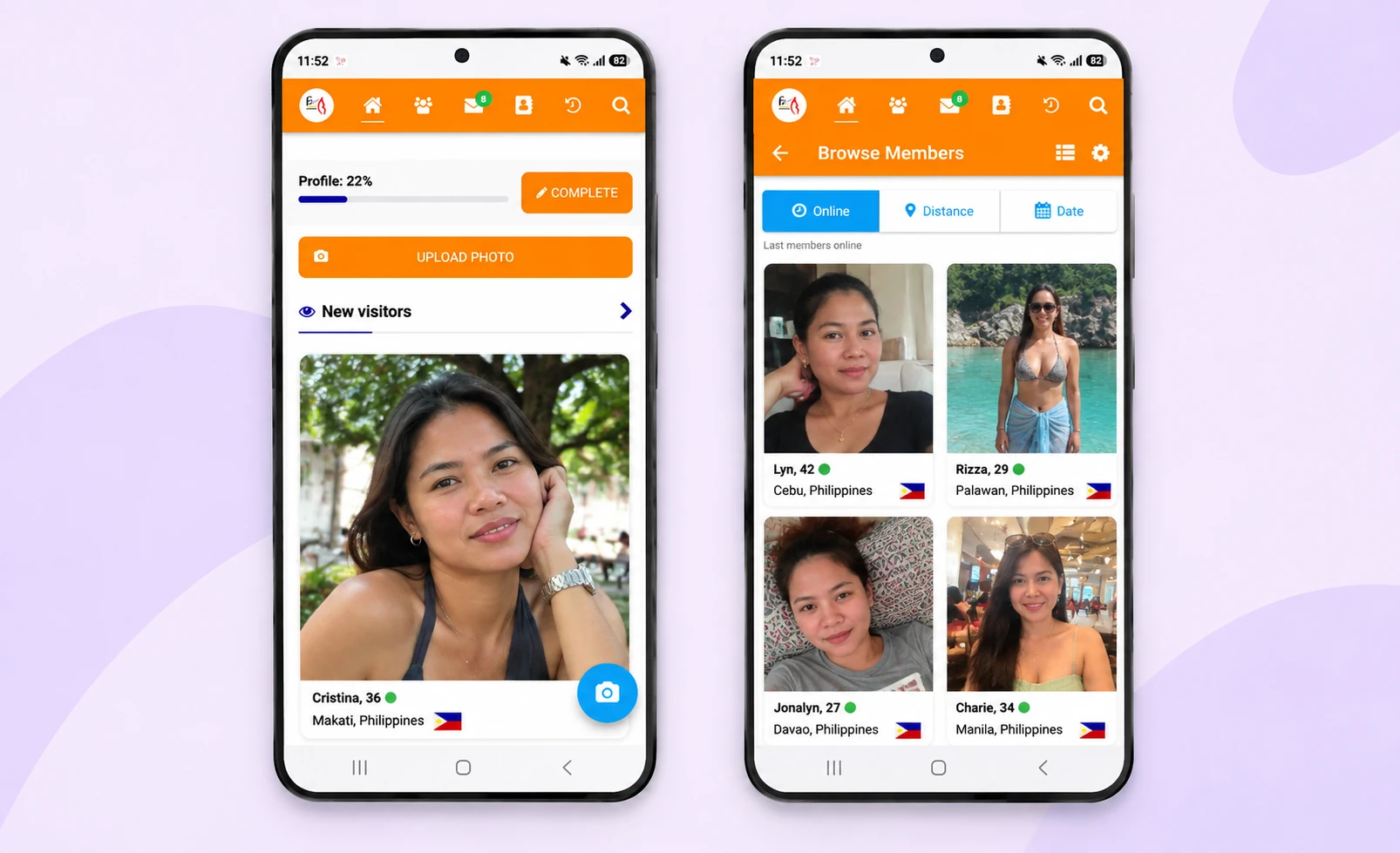
Joining Filipino Kisses is free, and men need a membership to write or reply to messages.
Current plans and prices are shown on the Prices page of the site. The Privacy Policy explains how your data is handled, and the Terms of Service set the rules for using your account. Both are linked at the bottom of every page.
Yes. The official FilipinoKisses dating app is on Google Play for Android. Use the Google Play button on this page to open it.
Yes, on the website. Join or sign in from your phone browser. The app linked on this page is the Android app on Google Play.
Joining, browsing profiles and photos, and Show interest are free. Men need a membership to write or reply to messages. Plans last 1 or 3 months, and you can cancel auto-renewal at any time.
Use only the Google Play button on this page. It opens the official app page in the store, where the app is called FilipinoKisses Flirt. Inside Filipino Kisses, our moderators check every profile and photo by hand, but no platform catches every scammer, so never send money.


